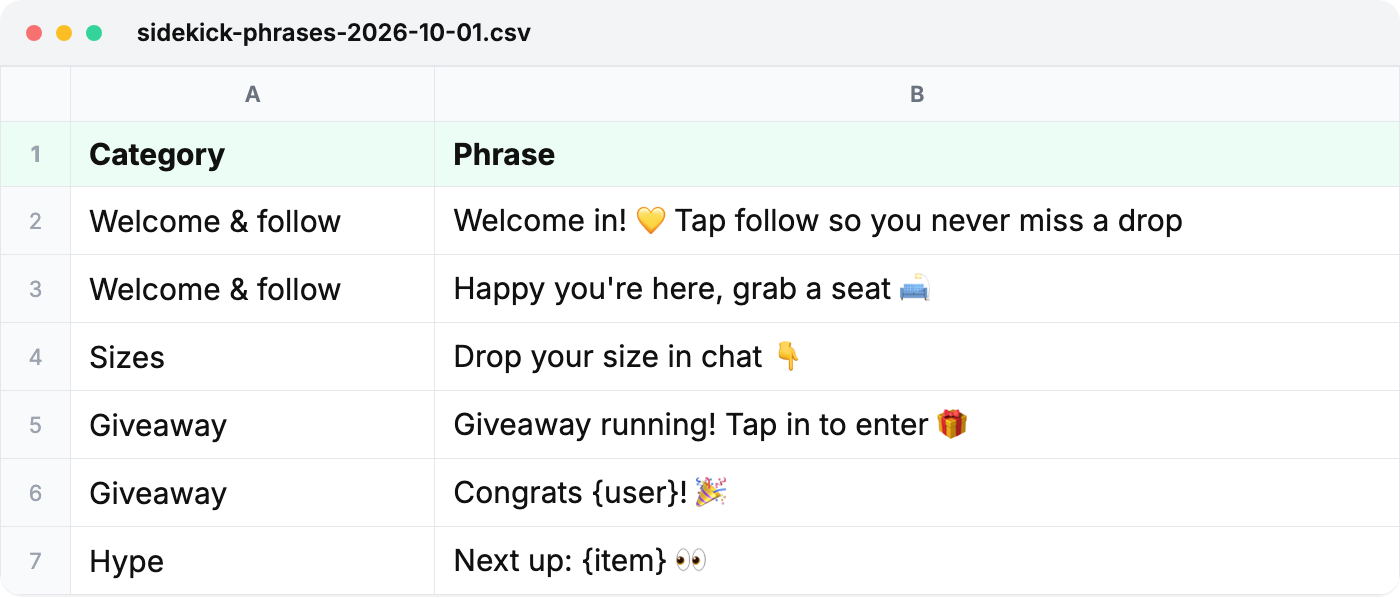
Sidekick phrases, sets and sharing
Make phrases sound like the host, keep a set per seller, share with other mods.
Sidekick
- Tap Edit to change any phrase, add your own, or star favorites so they sit at the top.
- Blanks fill themselves in: {item} becomes the listing that's up, and {user} asks you for a name.
- Tap ⏰ on a phrase to be reminded to post it every 5, 10, 15 or 30 minutes.
One set per seller
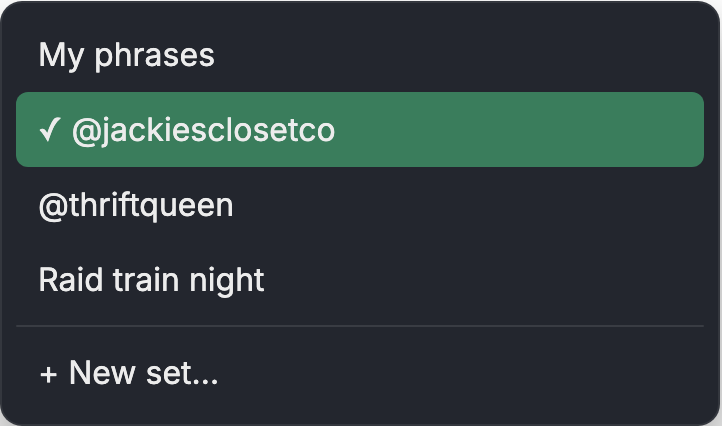
Open the Set menu › + New set…, name it, tap Make it. Pick the right set before you go live; nothing switches by itself.
Share with other mods
In Edit, copy a share code for a set and send it. Getting a code? Make a new set first, then Edit › Load a shared set and paste it. A code replaces whichever set is picked.
Edit in a spreadsheet
Edit › Export to file (CSV), change it, save it as .csv, then Import from file (CSV). This is also how you move phrases between Chrome and iPad.