
End a show: stop, save, clear
Stop capturing, save your manifest, and clear once you've packed.
Chrome + iPad
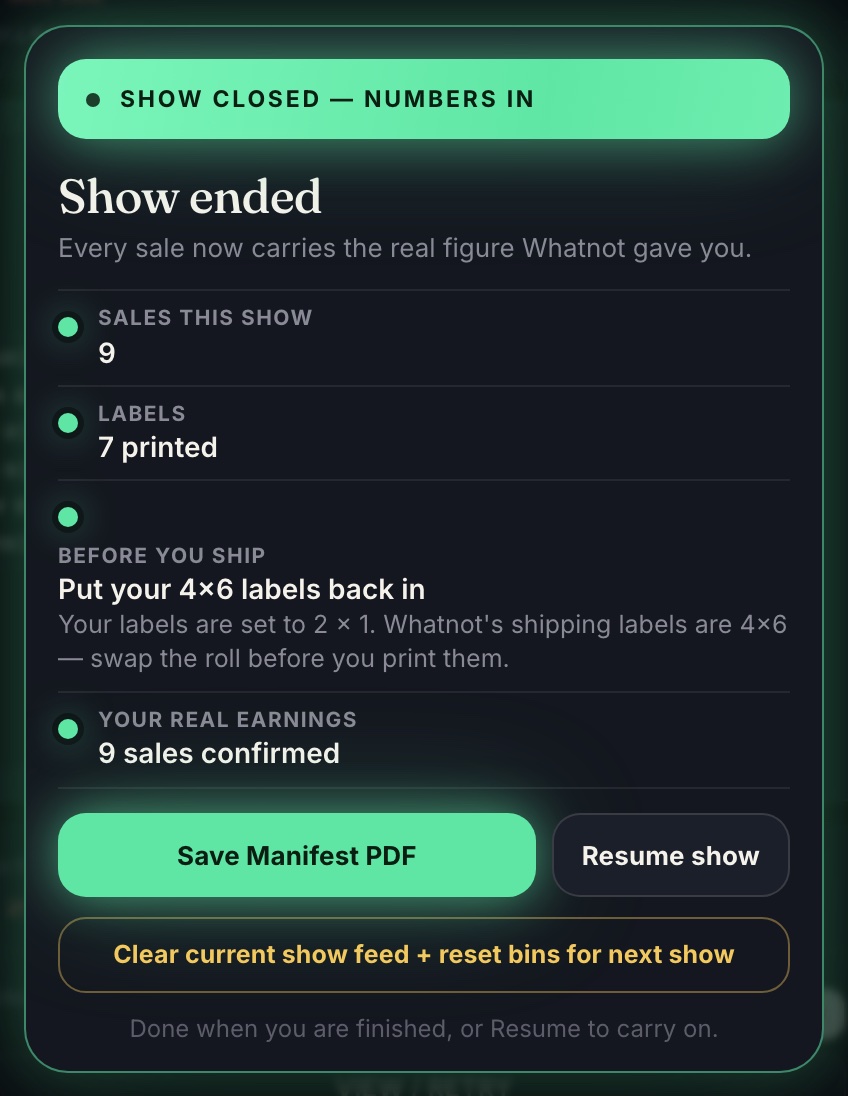
- When you're off air, press Stop capturing. Your sales stay put, and the Show ended card opens.
- Backstage fills in what each sale really earned after Whatnot's fees. Keep the panel or app open while it works.
- Your Show Wrapped scorecard sits at the top of the card. See Tonight's goal and Show Wrapped.
- Tap Save Manifest PDF. That's your packing sheet. Save it before you clear.
- When you've finished packing, tap Clear current show feed + reset bins for next show. Your next show starts back at Bin 1.
Stopped by mistake? Tap Resume show.
Raided out on iPad? Backstage notices, asks if you're still capturing, and stops on its own if you don't answer. Your sales are never cleared without you.
Don't update the app or Chrome in the middle of a show. Wait until you've saved your manifest.