
Your manifest (packing sheet)
Every buyer, their bin and what's in it. Where to find it and how to sort it.
Chrome + iPad
The manifest lists every buyer, their bin and everything in it, with prices and totals. It's what you pack from.
Get it
Tap Save Manifest PDF. It's at the top while you sell, and on the Show ended card.
- Chrome: the PDF saves to your computer, usually your Downloads folder. Open it from there to print or send it.
- iPad: it's kept under Past Shows. Tap a show to open it, print it or share it.
What's on it
- Sort it the way you pack: Bin order, Item #, or Buyer A–Z (matches Whatnot's Shipments page). On the iPad that's Settings › Packing › Sheet order.
- Sale photos next to each item, if you have sale photos on (iPad: Settings › Packing › Photos on the sheet).
- PENDING items are highlighted so they don't ship before the payment clears.
- Giveaways, Buyer's choice sizes and your notes.
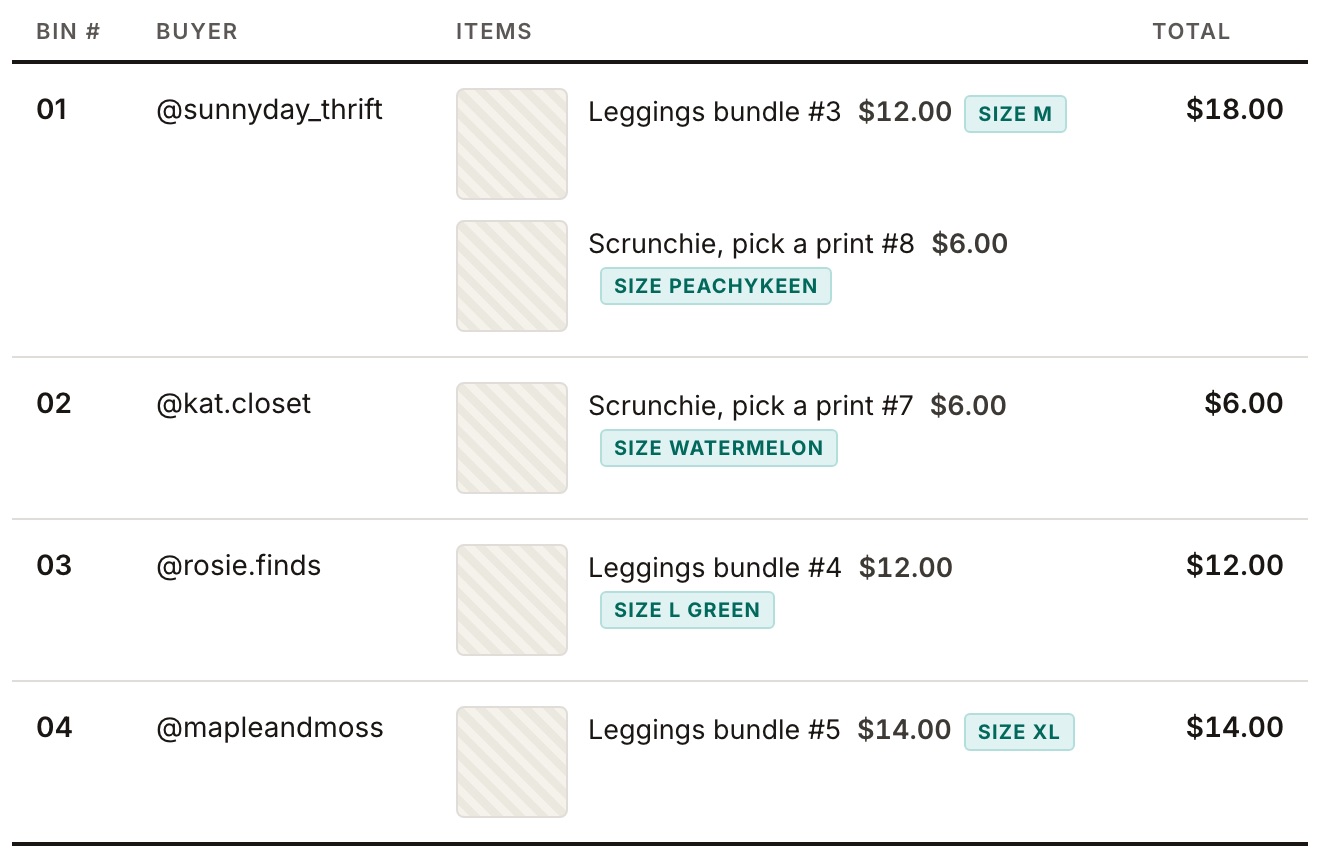
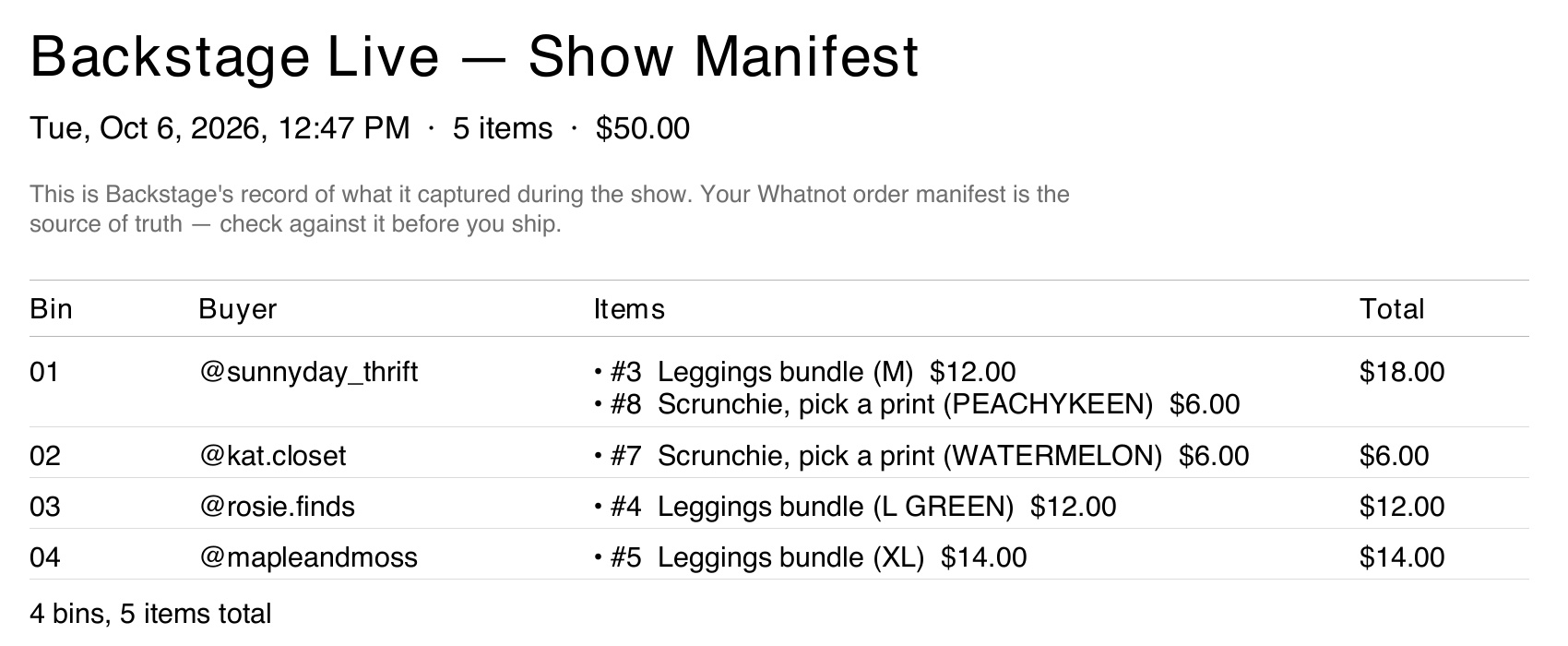
The SIZE tags and the words in brackets are Buyer's choice picks.
Every photo from the show (Chrome)
On the manifest page, click Photos. You get every sold item's photo with its item number, winner and bin. Click a photo to see the whole screen from that moment. Only sales that have a photo are shown.
Your Whatnot order list is still the final word. Check against it before you ship.