
Bins started at the wrong number
Bins carry over until you clear the last show.
Chrome + iPad
Bin numbers carry over from your last show until you clear it. Stopping, closing Chrome or pressing Start doesn't reset them.
To start the next show at Bin 1
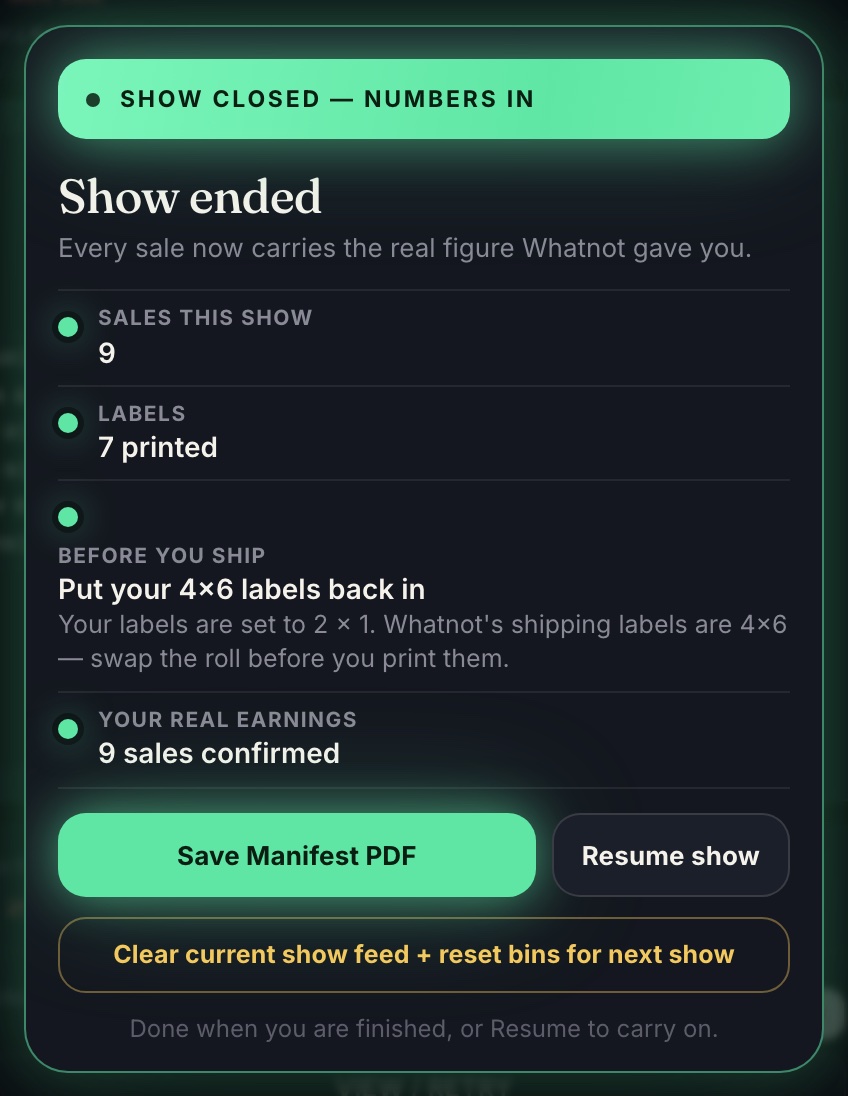
After you've packed your last show, open the Show ended card and tap Clear current show feed + reset bins for next show.
The Clear all bins button
- Chrome, at the bottom of the panel: after you've ended the show, it clears everything for the next one (the feed, Shoutouts and bins). Your packing sheet is kept in menu ☰ › Archive, and weekly bundling holds stay. During a show it asks Are you sure? first, and only resets the bin numbers.
- iPad, above the live feed: restarts bin numbers at 1 without touching your sales or the feed.
Before you go live, check the Start card. It tells you which number the first buyer gets.
Only clear once you've packed. Clearing empties the feed and frees every bin. Your past shows are still kept.
Related
More in Running a show
- Start capturing a show
- Practice with a test run
- Reading the popups and the live feed
- What PENDING means
- Giveaways and Buy It Now: why some sales have no bin
- Opened Backstage late? Catch up
- Nothing is being captured, or sales stopped
- Make Whatnot fit beside the panel
- Add a note or size to a sale, or reprint its label