
Which Backstage app should I use?
Chrome on a computer, or the app on iPad or iPhone. One login works on both.
Chrome + iPad
Backstage runs beside your Whatnot show and catches every sale. You can use it two ways, and one Backstage login works on both.
On a computer: Backstage for Chrome
- Works on Windows and Mac, in the Google Chrome browser.
- A panel opens on the right side of Chrome, next to your Whatnot show.
- Prints labels through a small print helper you install once.
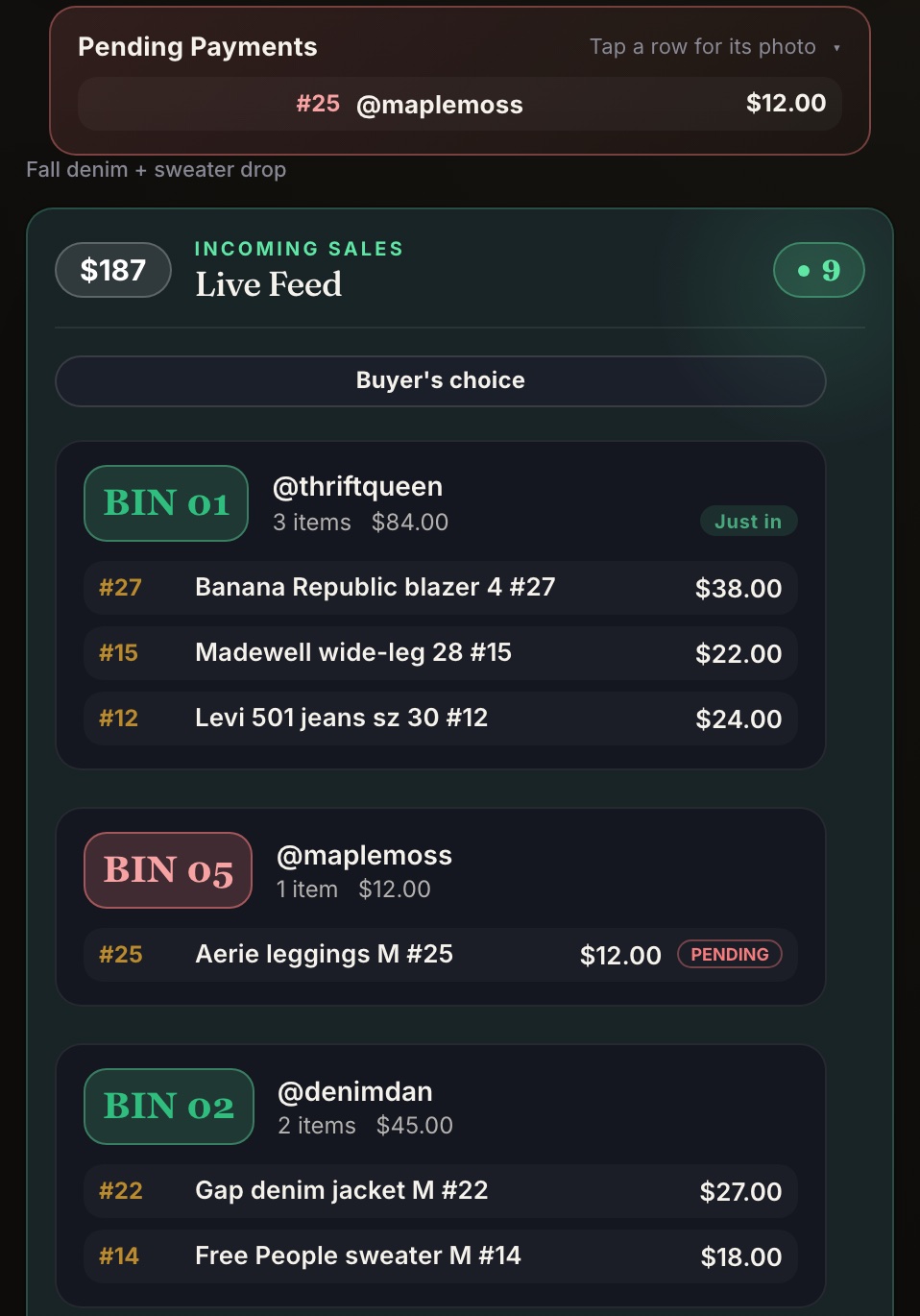
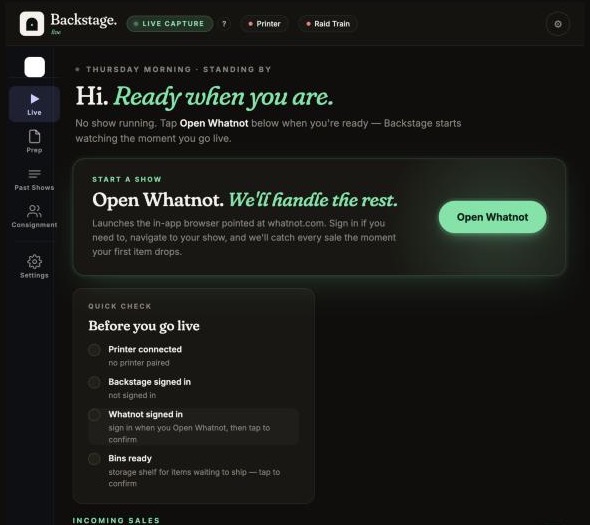
On iPad or iPhone: Backstage Live for Whatnot
- Get it from the App Store. Whatnot opens inside the app.
- Most sellers go live on their phone and run Backstage on an iPad next to it.
- Prints labels straight to a Bluetooth label printer, and can also print to a Brother QL or a Rollo (or another AirPrint label printer) on your Wi-Fi.
Android?
There's no Android app. On an Android phone or tablet, run Backstage in Chrome on a computer instead.
Moderating someone else's show?
That's Sidekick, our free tool for mods.