
Install Backstage on iPad or iPhone
Get the app, sign in, and open Whatnot inside it.
iPad & iPhone
- Get Backstage Live for Whatnot from the App Store.
- Open it and sign in with your Backstage account. You can sign in with Google or Apple too.
- Tap Open Whatnot. Whatnot opens inside Backstage. Sign in to Whatnot there the first time.
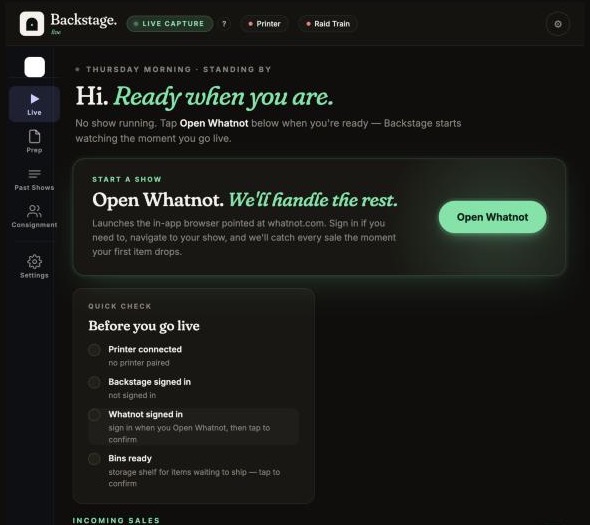
Turn the iPad sideways. Held upright, Whatnot tucks Auction, Giveaways, Sold and Run Next behind its Shop button. Nothing is missing and sales are captured either way, but sideways keeps them on screen.
Next: set up your printer.