
Live link for your packer
A link so a helper can watch sales come in by bin and tick off each buyer as packed.
Chrome + iPad
Send a link to whoever's helping you ship. They watch sales come in, grouped by bin, with photos and pending flags, and tap Packed on each buyer as they finish. Packed buyers fold up and move to the bottom, and everyone on the link sees the same ticks. No login needed.
- Chrome: menu ☰ › In show › Shipper board › Copy link.
- iPad: Settings › Packing › Live link for your packer › Share link.
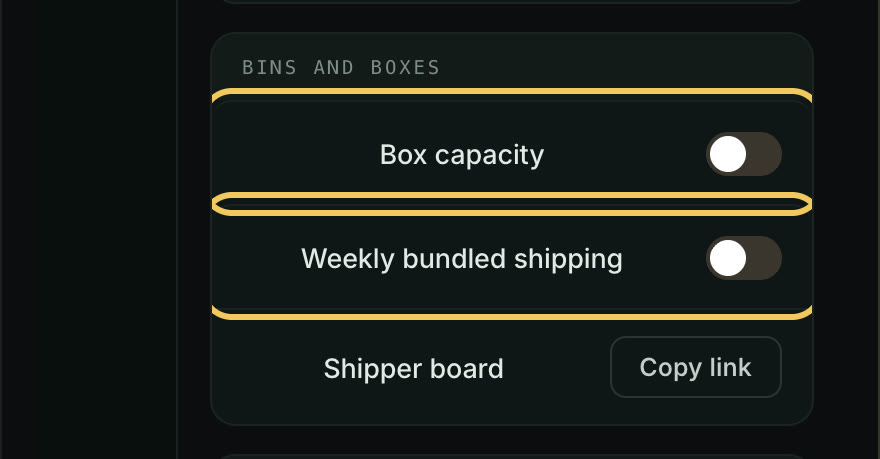

The link from the app is for that one show.
Want one link you send once? Your seller portal has a permanent link: sign in at backstagelive.app › Shipper board › Your shipper board link › Copy. It always shows the show you're live on right now, so your packer can bookmark it.
Related
More in Show tools
- Buyer's choice: sizes and options from chat
- Buyer comments: what the winner typed in chat
- Box capacity and weekly bundled shipping
- Surprise Sets and card breaks
- Tag every buyer for a Buyer's Giveaway
- Giveaway plan
- Riding a raid train
- Change the look and the popups
- Tonight's goal, Show Wrapped and your share picture