
Pay a different split by price (Special terms)
Give a consignor a bigger share on pricier items, judged one sale at a time.
Chrome + iPad
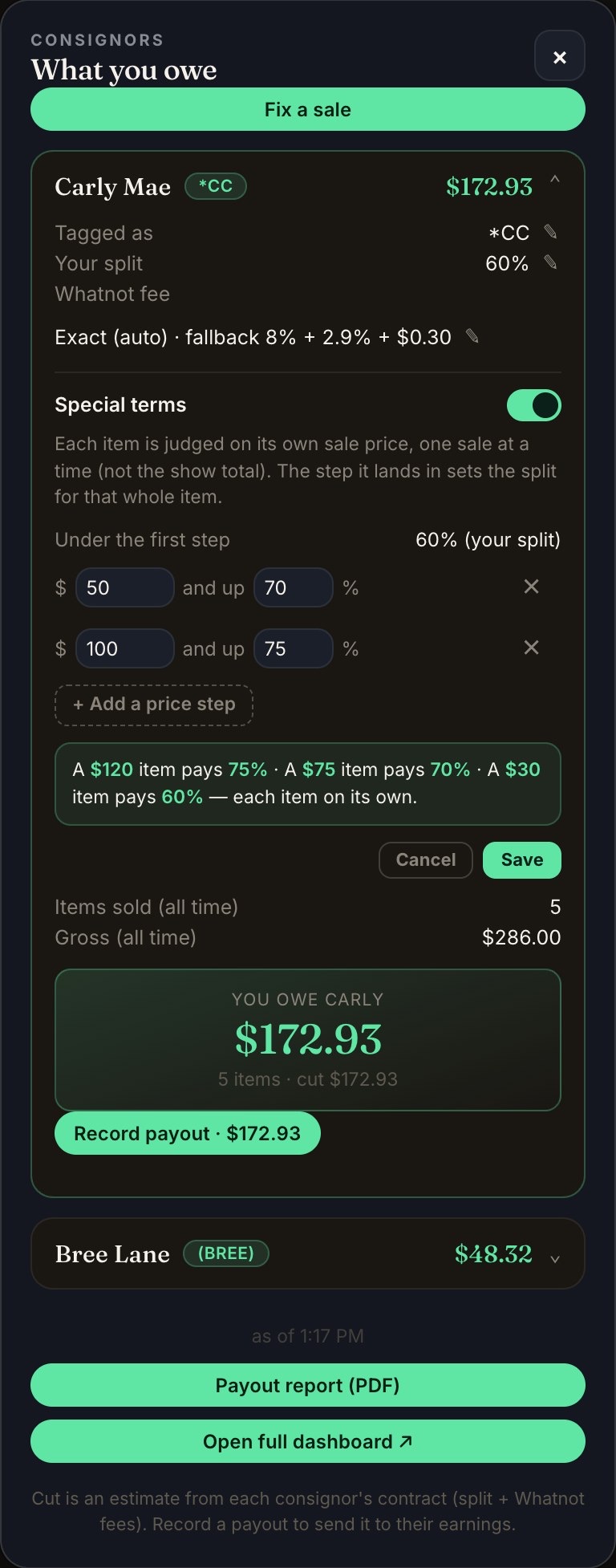
Special terms let one consignor's split change with the sale price. For example: 60% on items under $50, 70% from $50, 75% from $100.
- Chrome: in the Backstage panel, tap My consignors and open the consignor. iPad: open the Consignment tab, tap the consignor and go to Contract terms.
- Under their split, turn on Special terms.
- Tap + Add a price step for each price level, and set the split for it.
- Check the example line under the steps, then tap Save.
Each item is judged on its own sale price, one sale at a time, not on the show total. The step it lands in sets the split for that whole item.
- It counts from now on. Sales you've already made keep their split.
- If the new steps pay your consignor more, they apply right away and the consignor gets a notice in their portal.
- If they pay less at any price, they wait until your consignor taps I agree in their portal. Their current terms stay in place until then.
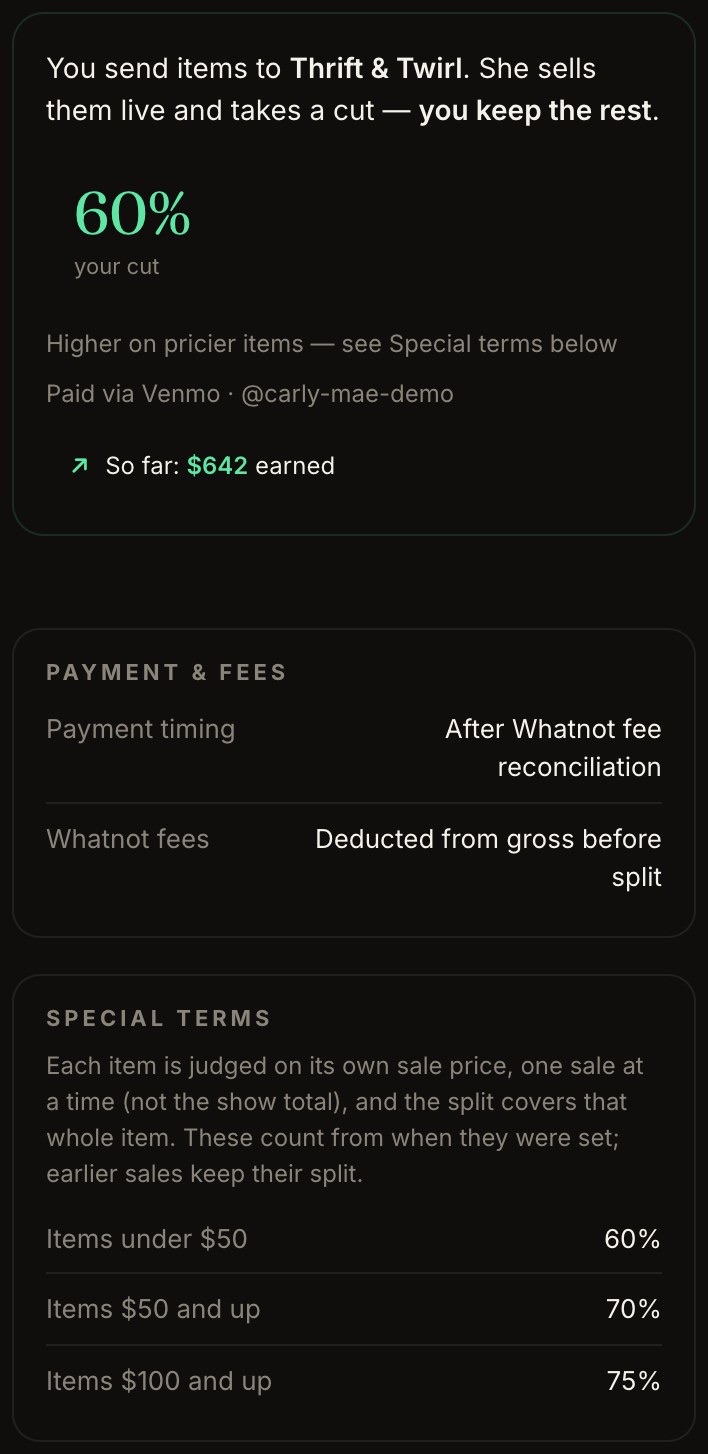
Your consignor sees the steps in their portal, next to their regular split.
Switching Special terms off sends every new sale back to their regular split.