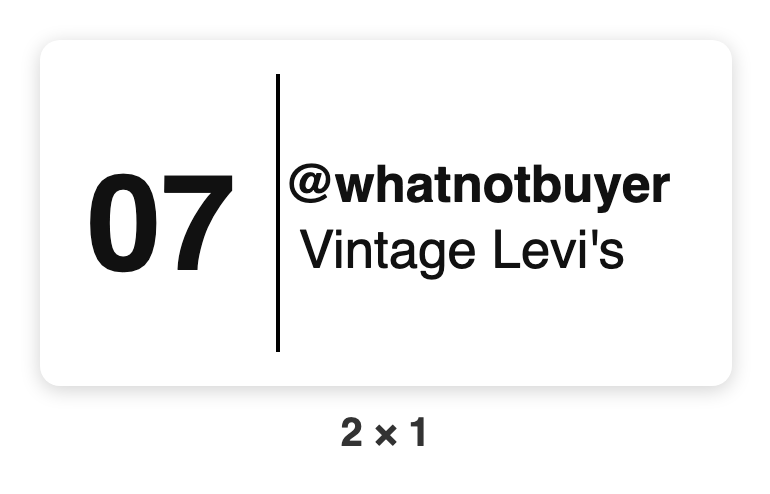
Change what's on your labels (and add your shop name)
Label look lets you switch lines on or off and print your shop name.
Chrome + iPad
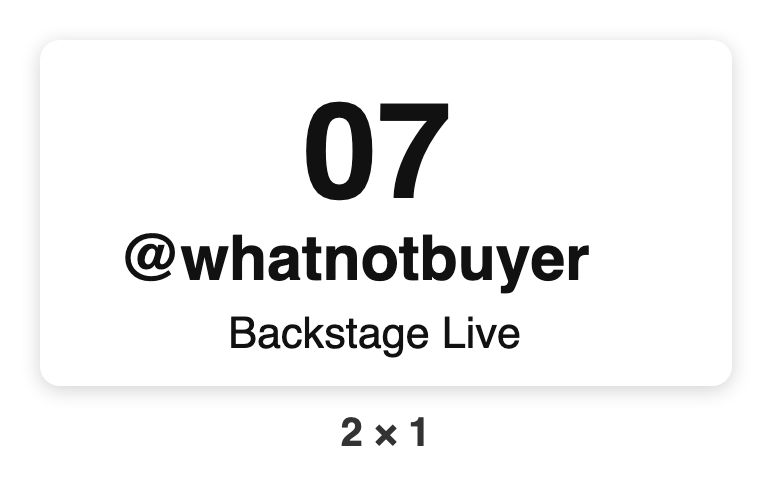
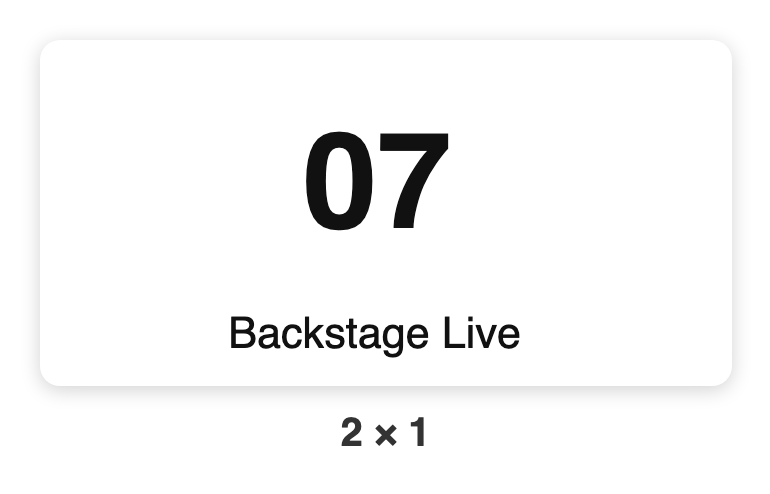
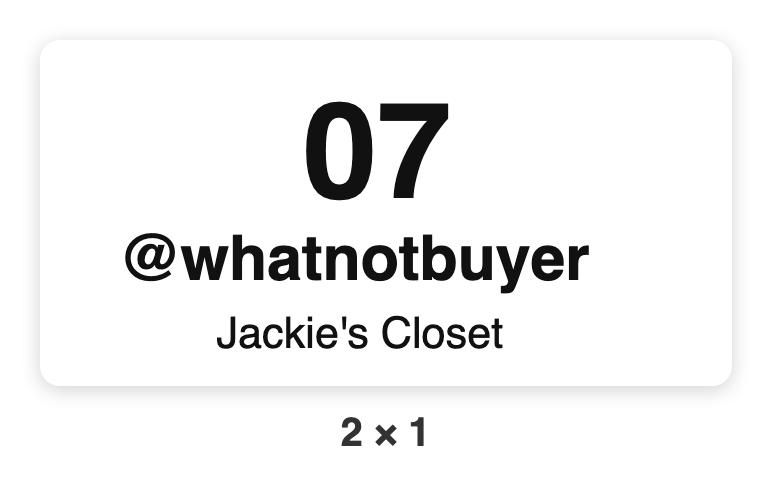
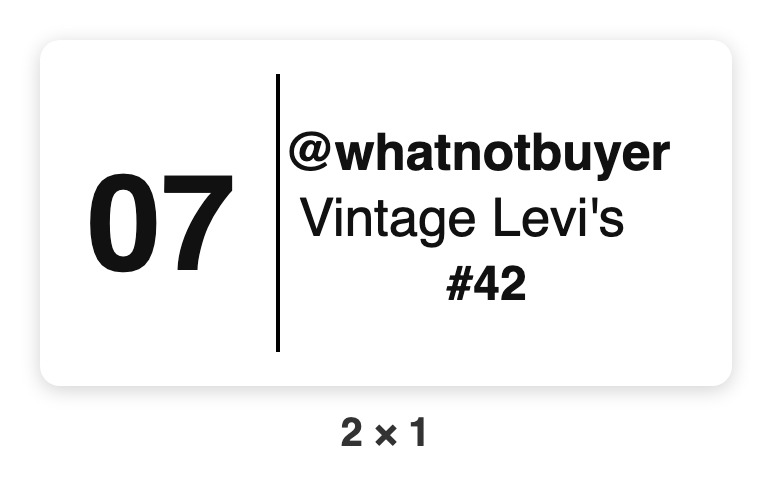
Under Label look (Chrome: menu ☰ › Print; iPad: Settings › Printer) you pick what goes on each label, and a picture shows you what it'll look like. Everything starts switched on.
- Bin label: turn the buyer's name on or off, and type your shop name to print it small at the bottom instead of "Backstage Live". On the iPad that's the Shop name on the bin sticker row, just under Label size.
- Item label: switch Lot number, Item name and Buyer on or off. Fewer lines means bigger text, which helps on small stickers.
- Put everything back turns every switch on again.
The bin number always prints, and so does PENDING on an unpaid item.
Shop name not printing in Chrome? You need the latest print helper. When yours is out of date, the Print settings say Print helper update available. Tap Download the helper, install it, then tap Look for printers again. Don't see that? Email [email protected].