
Label sizes
Pick the size that matches the labels in your printer.
Chrome + iPad
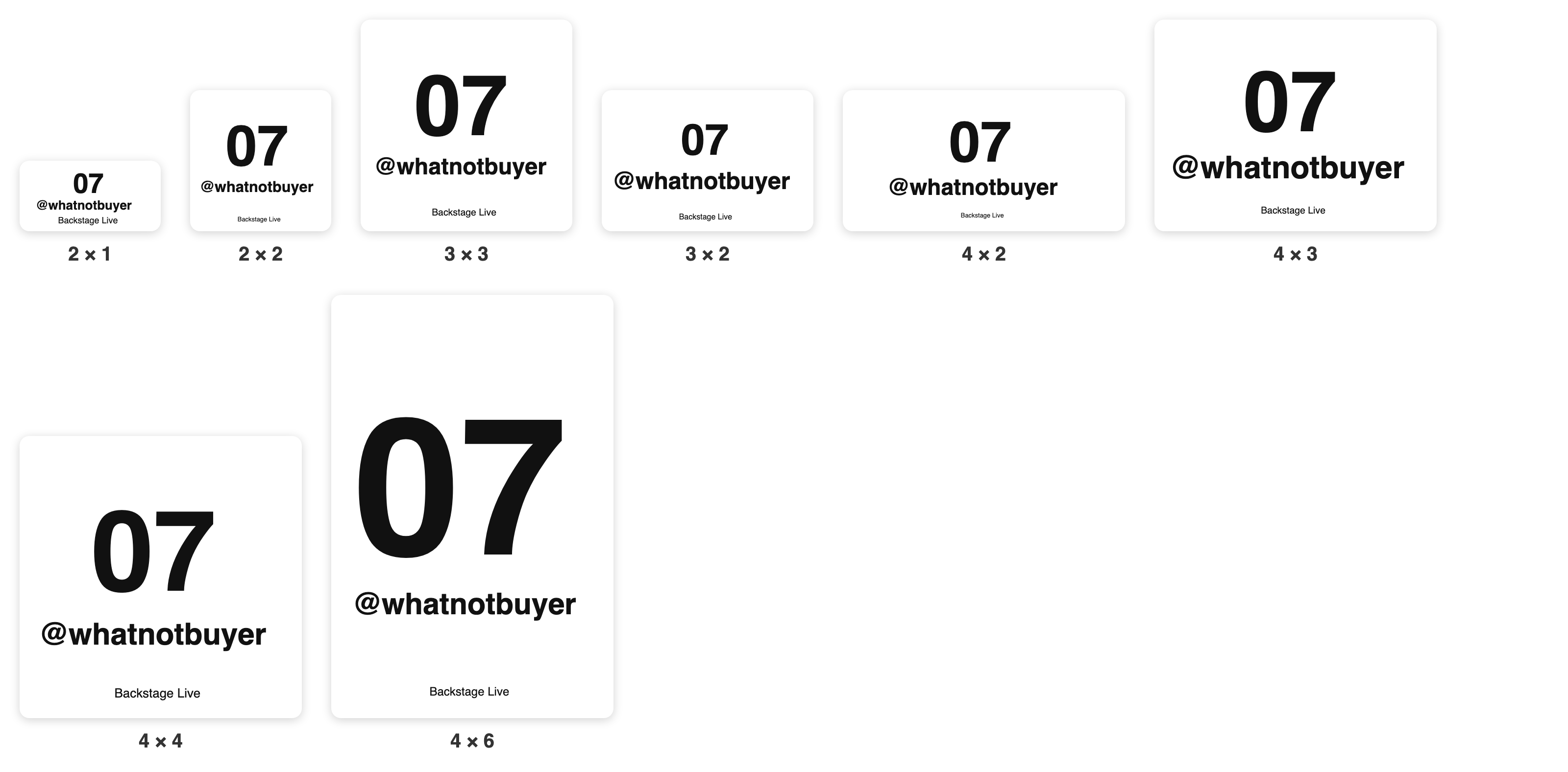
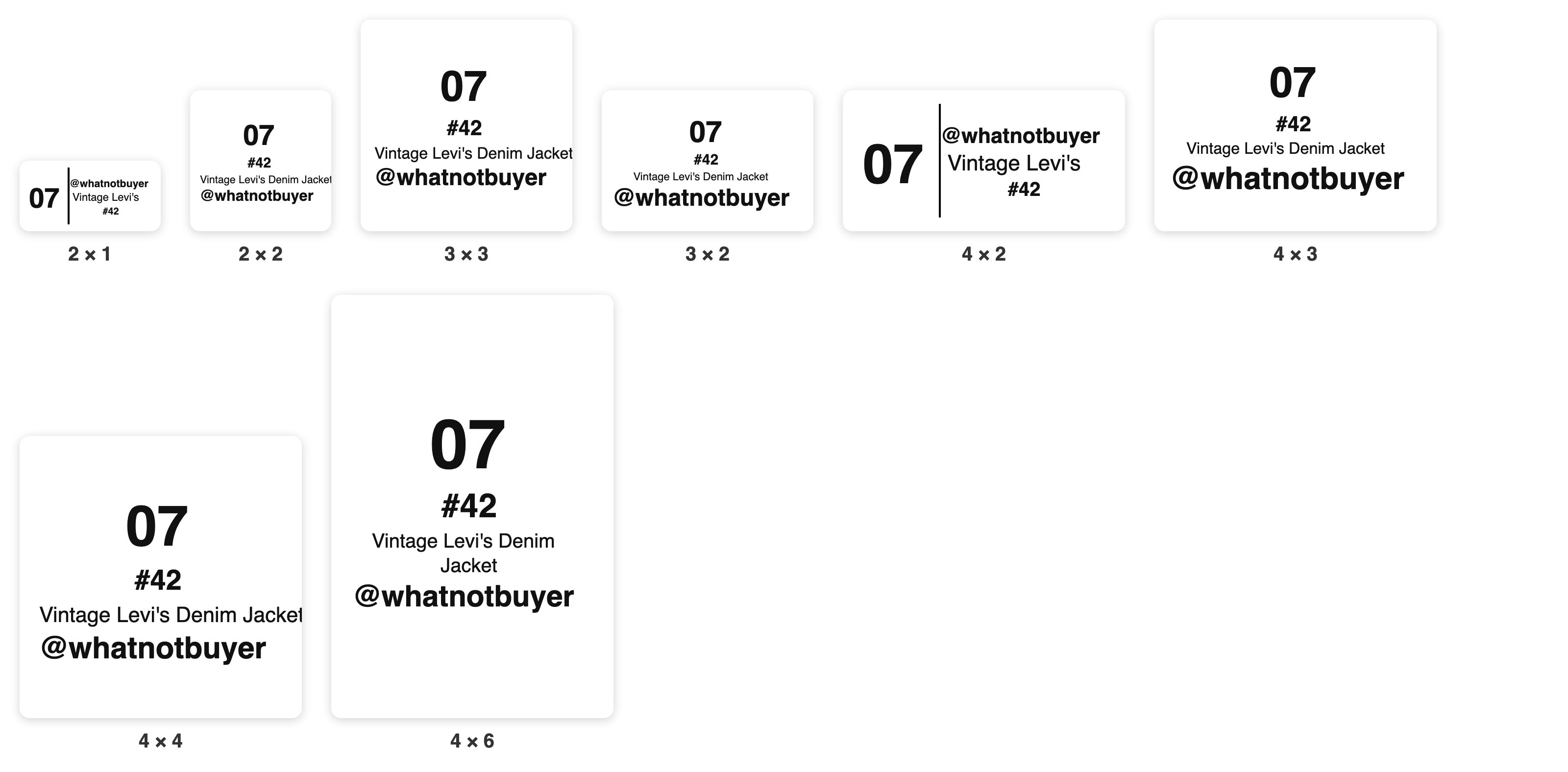
Sizes are width × height, in inches. Pick the one that matches the roll in your printer.
- 2 × 1: the classic bin sticker, and where Backstage starts.
- 3 × 2: in Chrome it's 3 × 2 or 2 × 3. On the iPad pick by your roll: 3 × 2 (roll 2 in wide) or 3 × 2 (roll 3 in wide).
- 4 × 6: the big card, easy to read across a room.
- 2×2, 3×3, 4×2, 4×3, 4×4: there if that's the stock you already have.
Changing size
- Change Label size to the new roll.
- Hold the printer's FEED button until a label or two runs through.
- Test print.