
Choose what prints during a show
Bin labels, item labels, giveaways, Buy It Now and pending payments.
Chrome + iPad
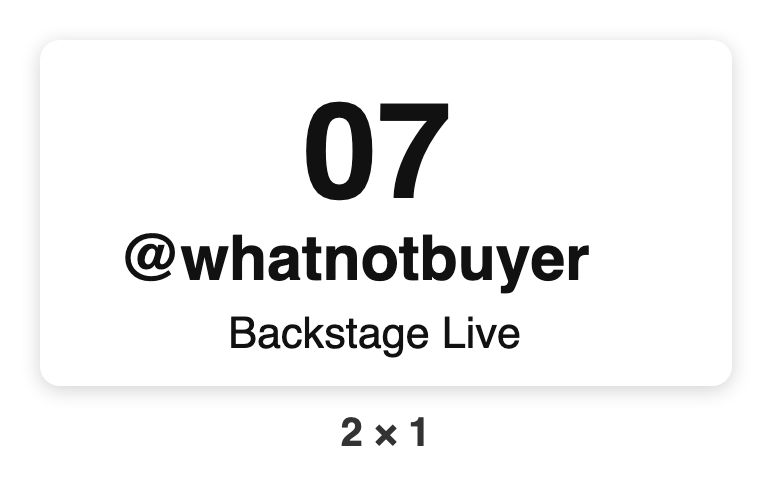
Bin label: prints the moment a new buyer wins, with their bin number and name. Most sellers print these only.
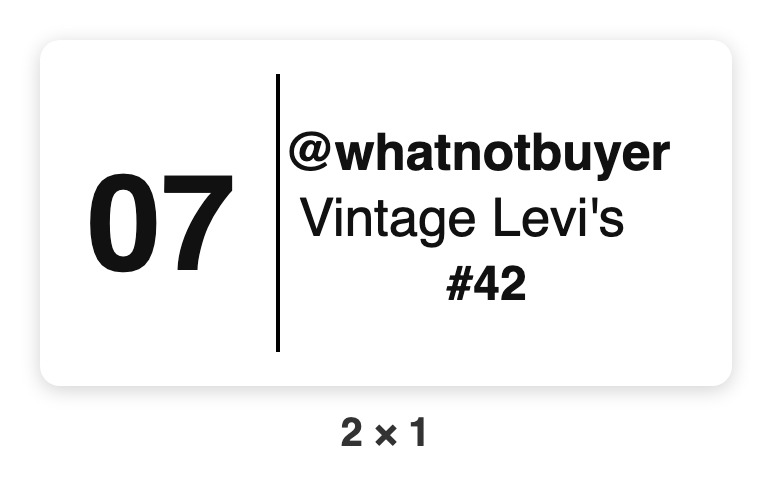
Item label: optional, one per item, with the bin, buyer, item name and lot number.
| Setting | Chrome (menu ☰ › Print) | iPad (Settings › Printer) |
|---|---|---|
| Bin labels | Auto-print bin labels | Auto-print labels › Bin only |
| A label per item too | Also print a label per item | Auto-print labels › Every sale |
| Giveaway winners | Print labels for giveaway winners | Giveaway labels |
| Buy It Now sales | Print a label for every Buy It Now sale | |
| Pending payments | Print pending-payment labels (on: now, marked PENDING; off: wait) | Unpaid sales › Print, marked PENDING · or Hold until paid |
The same switches are in the printer box on the Start card, so you can change them just before you go live.
Want your shop name on the label, or fewer lines? See Label look.