Items with sizes: one listing or one per size
Count each size, then choose how it goes up on Whatnot.
PrepWeb portal
Whatnot's bulk upload has no size options, so an item that comes in sizes can go up one of two ways. Pick under Upload to Whatnot as on the item:
- One listing: one listing with the total quantity. Buyers say their size in chat.
- One listing per size: a separate listing for each size you have, with its own quantity. The size goes on the end of the title, like "Zanana Black Tee – M".
With one listing per size, sizes with none left are skipped. The size list starts with XS to 2X; tap + size for anything else, like 3X or One size.
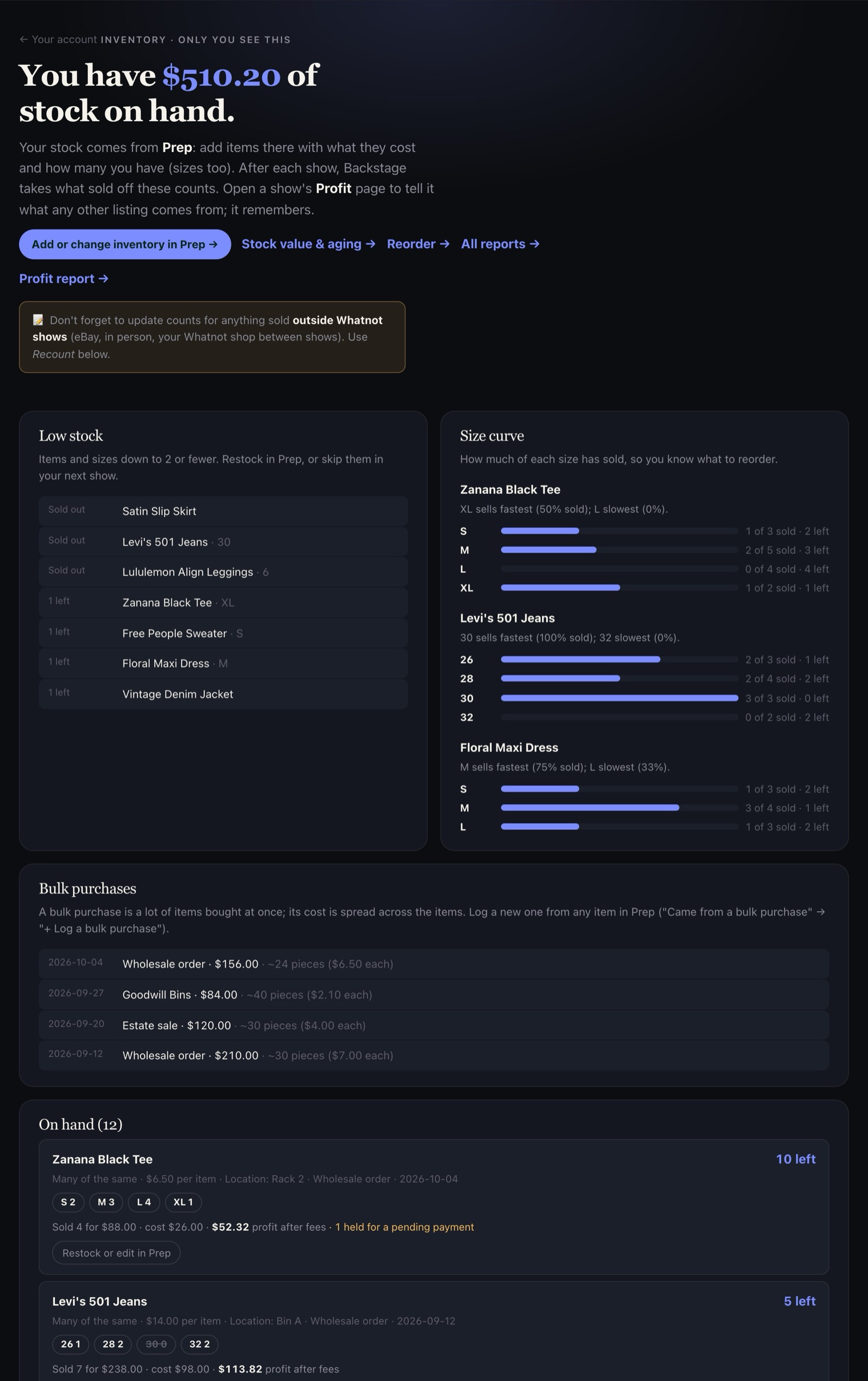
Your Inventory page shows a size curve: how much of each size has sold. Use it to decide what to buy more of.