
Look up a buyer
Everything one buyer has bought from you, with sizes, bins, giveaway wins and tips.
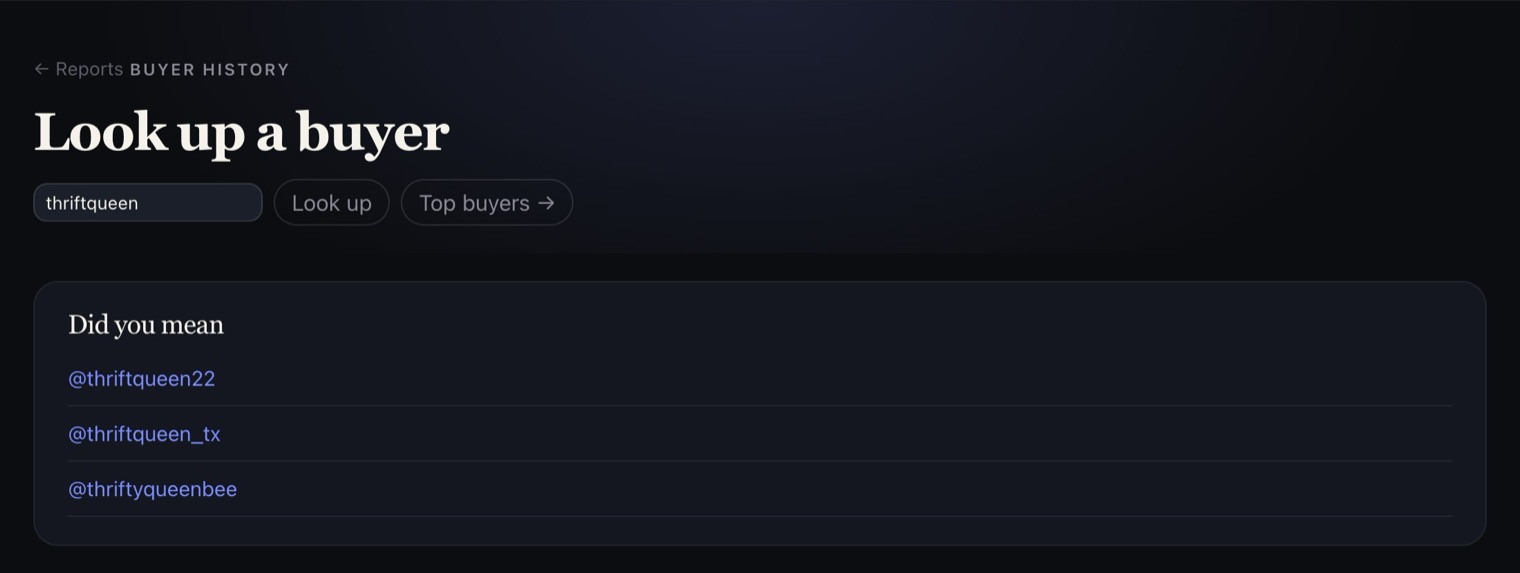
Open Look up a buyer from your Reports, type their Whatnot username and tap Look up. Not sure of the spelling? It suggests close matches under Did you mean. You can also tap any buyer in Top buyers.
At a glance shows what they've Spent (paid auctions and Buy It Now), Items bought, First bought and Last bought, Giveaways won, Tips, anything Waiting on payment, and the Sizes they buy.
Below that, Everything, newest first lists every purchase, giveaway win and tip with its show, item, size, bin and price.
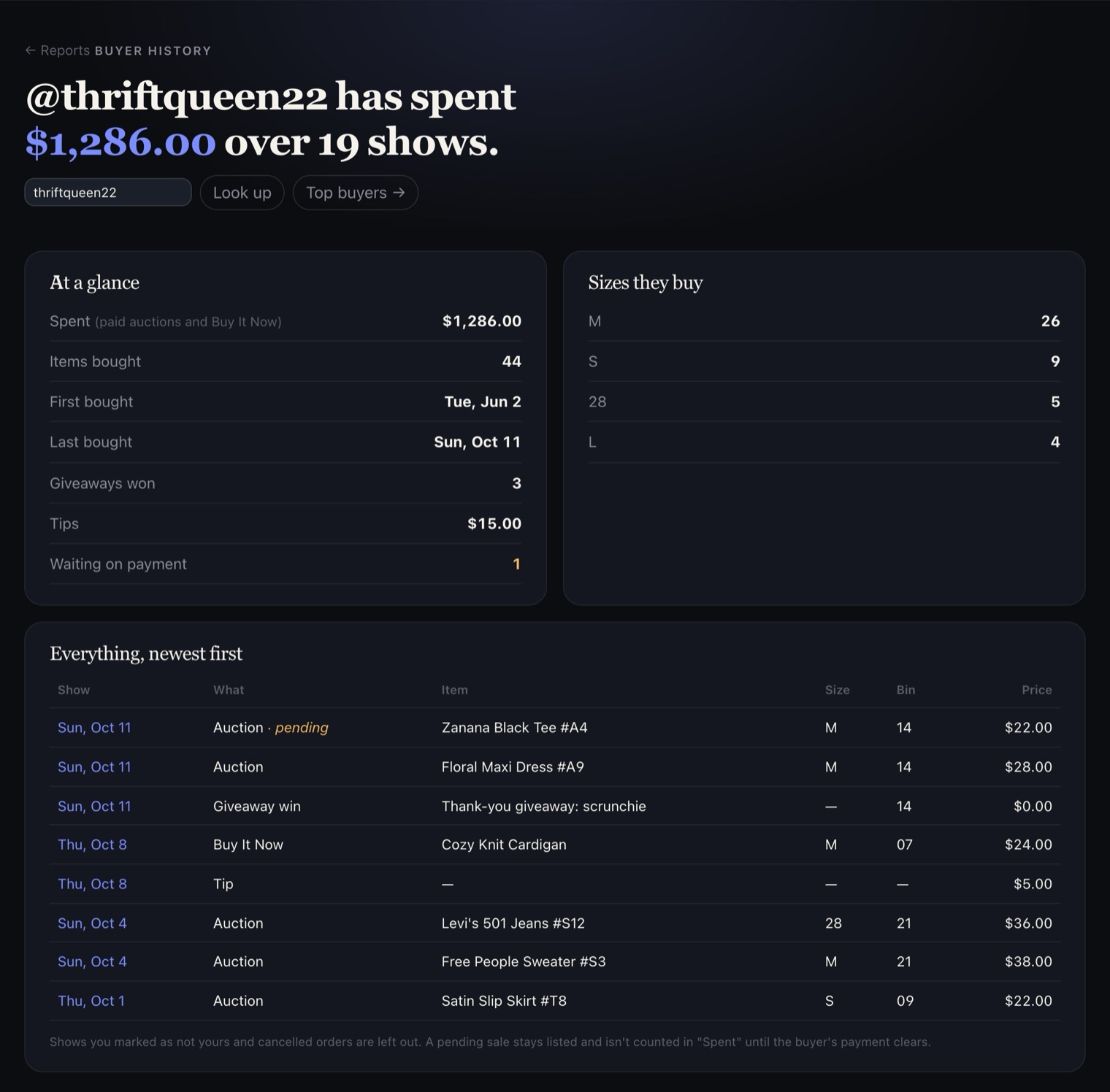
A pending sale (one waiting on the buyer's card) stays in the list, marked pending, but isn't counted in Spent until their payment clears. Canceled orders and shows you marked as not yours are left out.