
How your counts update after a show
End Show takes what sold off your counts. Answer once for anything it couldn't match.
When you hit End Show, Backstage matches what sold to your inventory and takes it off your counts.
A sale wasn't matched
Open the show in your portal and tap See what you really made on this show. Under What does each listing come from?, pick the item for each listing it couldn't place. You only answer once; next time it matches on its own.
- A consignor's item? Pick A consignor's (their share is the cost).
- Not something you track? Pick Not from inventory.
Which size sold?
If an item has sizes and no size was caught from chat, the same page asks Which size sold?. Tap the one that sold.
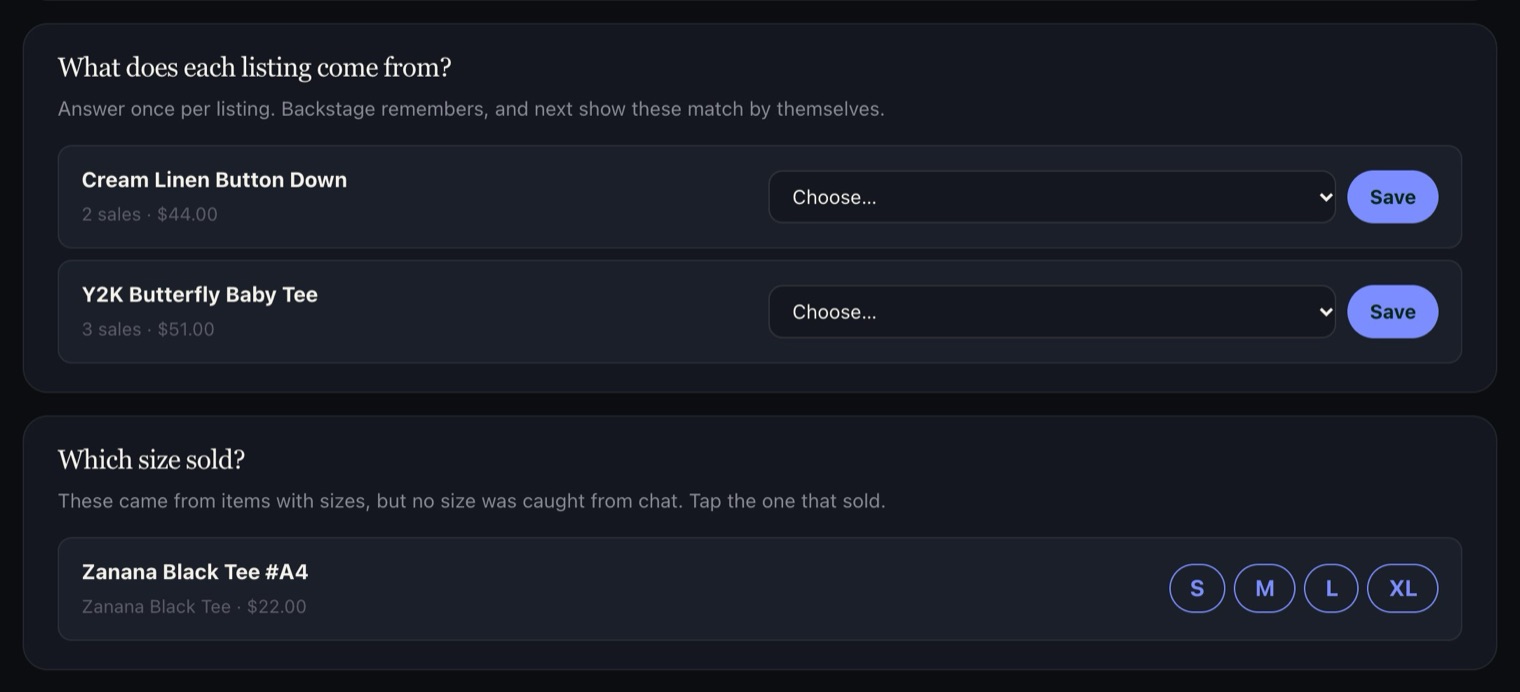
The End-of-show recap report lists anything still to answer, with a link straight to this page.
Pending sales stay held in their bins and aren't counted as sold until the buyer's payment clears. A canceled order goes back on your count.