Practice with a test run
Try everything out without saving anything.
Chrome + iPad
On the Start card, tap Start a test run instead of Start my show.
Start a test run is the button under Start my show.
- Sales still pop up and fill the feed, so you can see how it works.
- Nothing is saved, filed or sent to consignors. The panel says JUST TESTING the whole time.
- A goal you set is marked as practice, and your Show Wrapped says Practice run. None of it carries into a real show.
On the iPad, labels don't print and no item photos are taken during a test run.
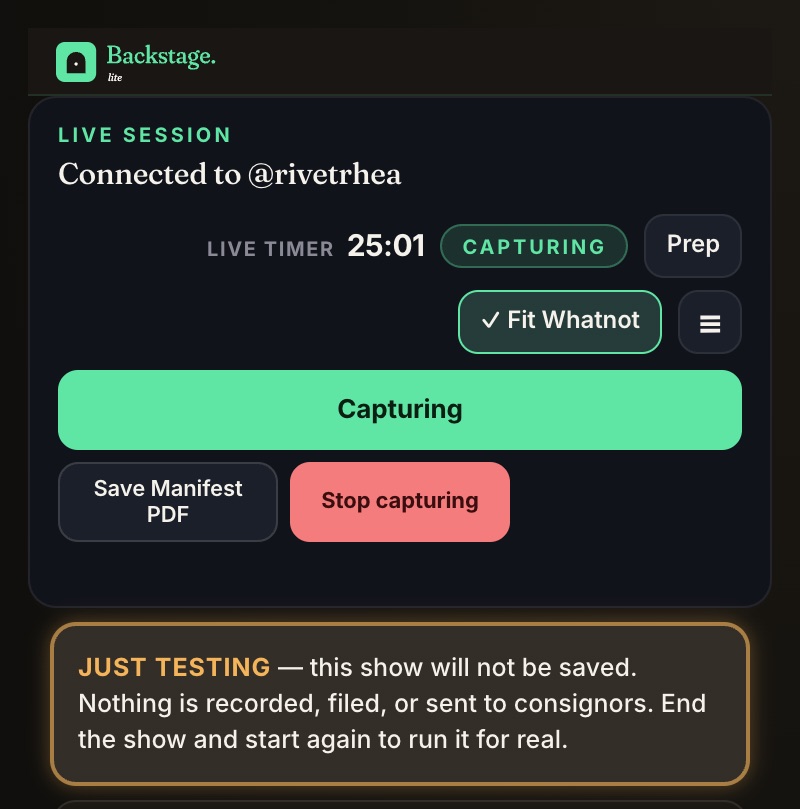
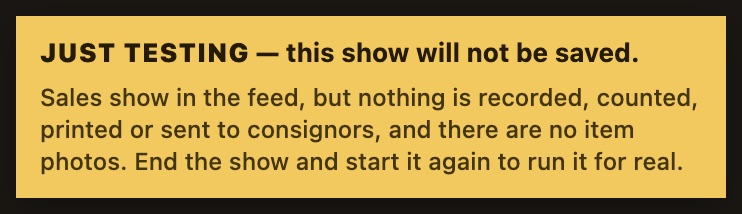
Going live for real? Make sure you didn't start a test run. If you see JUST TESTING, end it and start again with Start my show, or that show won't be kept.
Related
More in Running a show
- Reading the popups and the live feed
- What PENDING means
- Giveaways and Buy It Now: why some sales have no bin
- Why are my bins skipping numbers?
- Bins started at the wrong number
- Opened Backstage late? Catch up
- Nothing is being captured, or sales stopped
- Black screen on your laptop when you go live on your phone
- Make Whatnot fit beside the panel
- Add a note or size to a sale, or reprint its label