
Reading the popups and the live feed
What NEW BUYER, returning buyer and the bin number mean.
Chrome + iPad
The popup
Every time someone wins, a card pops up with the bin number in big letters, the item number and the buyer.
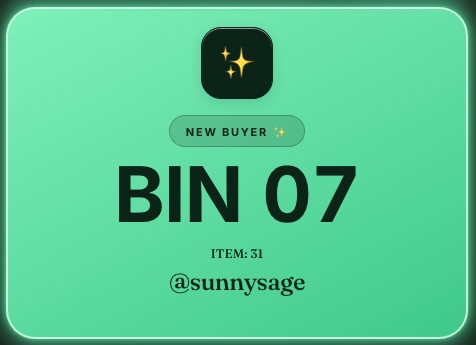
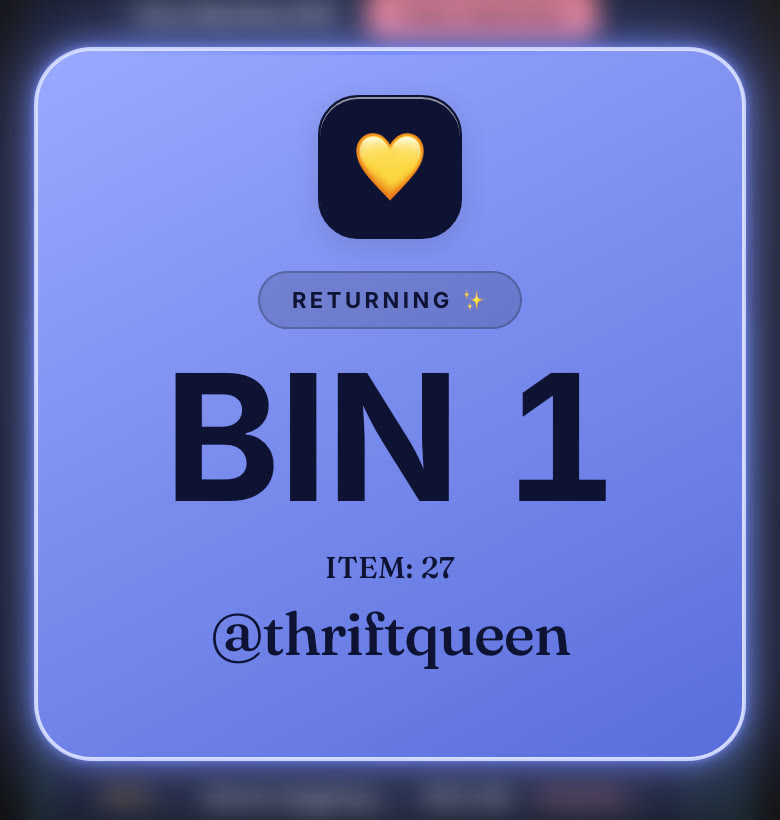
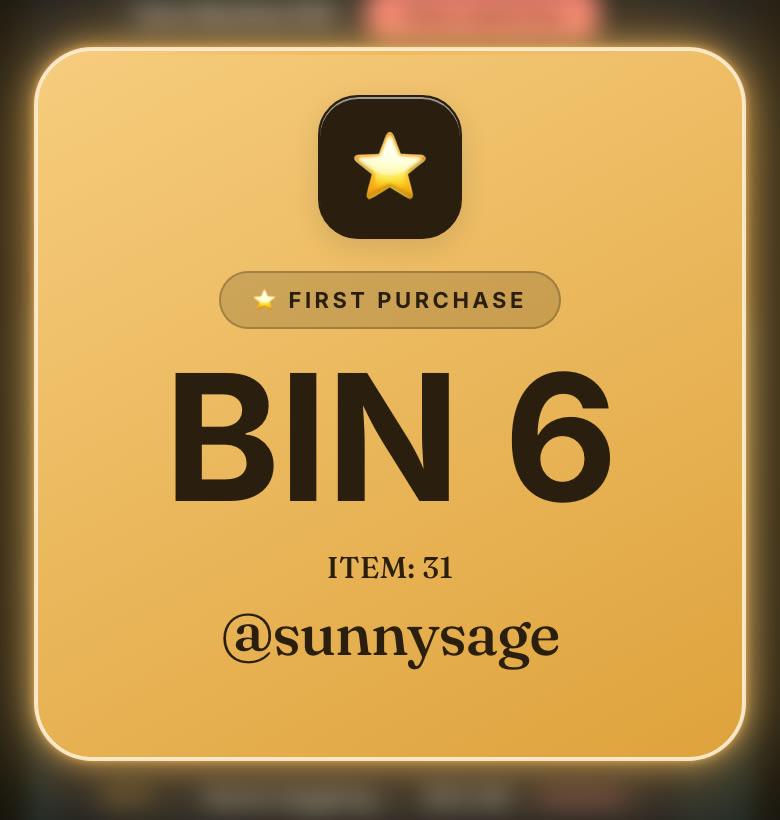
- New buyer: their first win of the show. They get the next empty bin, and its label prints.
- Returning buyer: they already have a bin this show. The item goes in the same bin.
- First purchase: their first purchase from your shop ever. Their label is marked, so you can add a thank-you note.
Sale cards stay up 10 seconds. Tap one to close it sooner, or change Popup duration in settings.
The live feed
Sales stack up under each buyer's bin, newest on top, with the item number and price. On the iPad, Sort by bin puts bins in number order for packing.
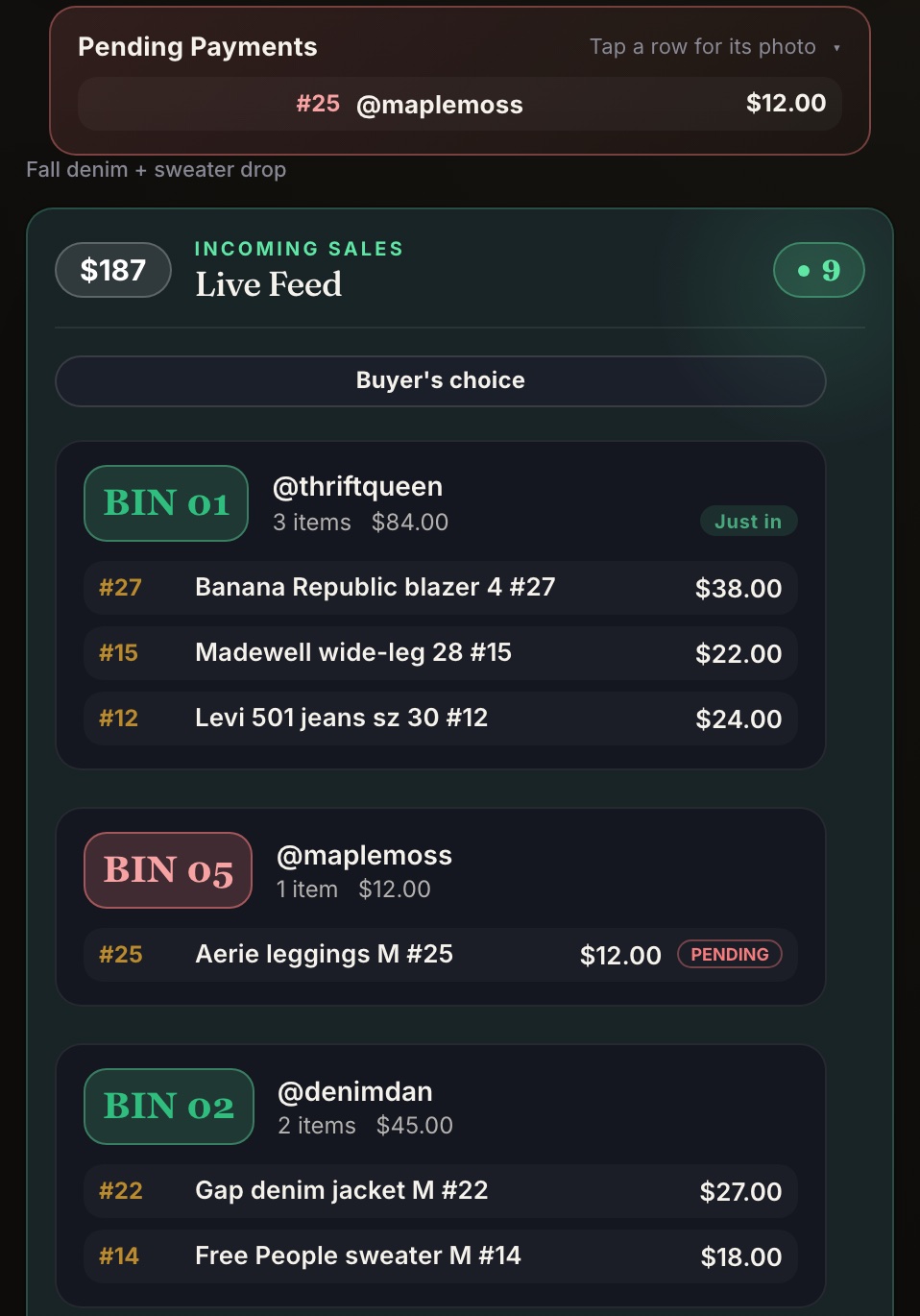
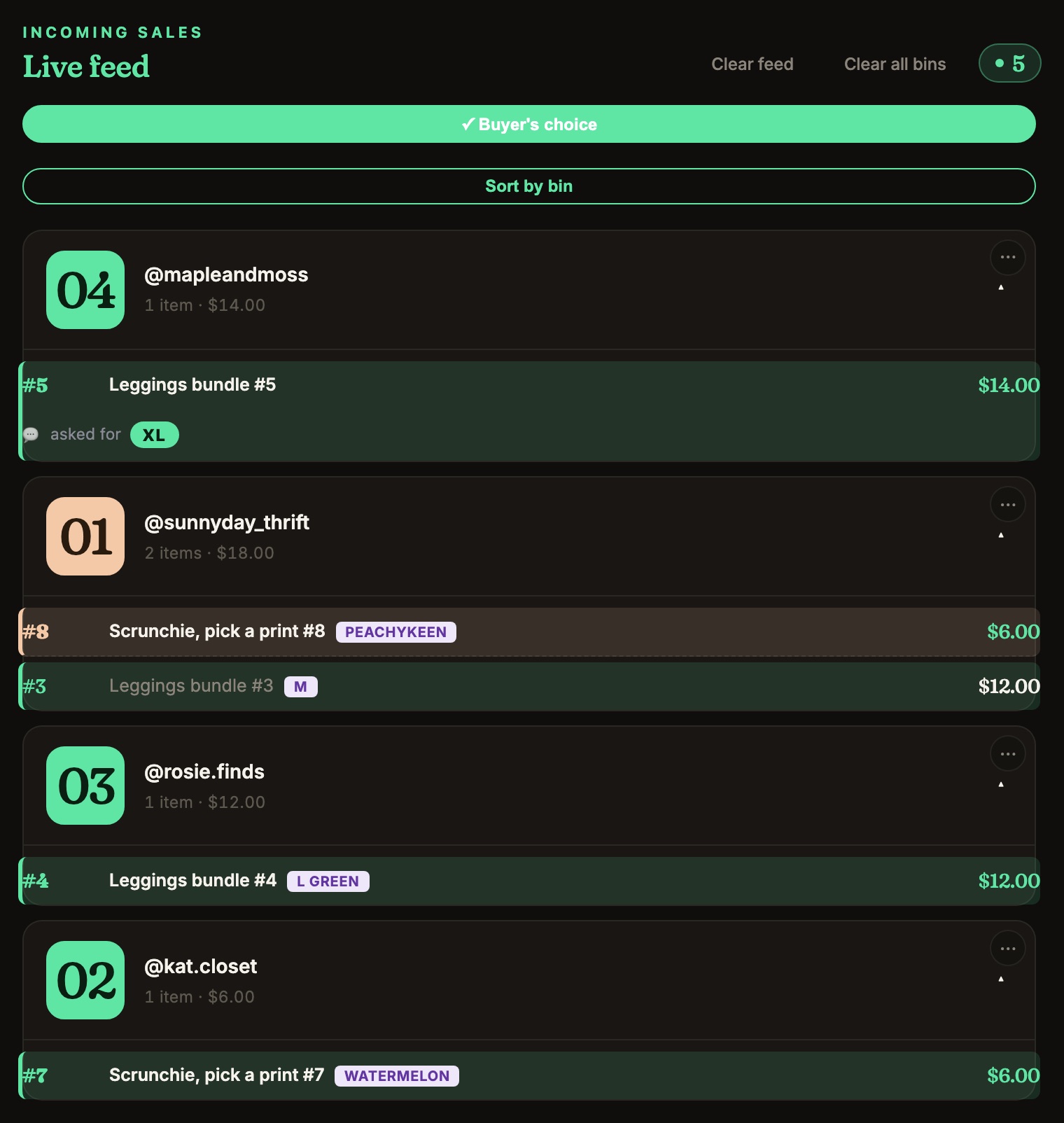
A sale marked PENDING means the payment hasn't gone through yet. See Pending payments.